Guide · Updated July 16, 2026
Data reconciliation verifies that records agree across two sources after a transfer, migration, sync, or reporting cycle. A list comparison is the fastest useful check when the first question is record coverage: which identifiers are missing, new, shared, or present anywhere across the systems?
Define the source of truth and comparison direction
Label the lists before you paste them. List 1 might be the source database and List 2 the destination, or List 1 might be yesterday’s export and List 2 today’s. Direction gives meaning to the results: “only in source” often means a failed transfer, while “only in destination” may indicate a legitimate new record or an unexpected orphan.
Use a stable record identifier
Compare keys, not display labels. Names, descriptions, and phone numbers can change; internal IDs, order references, and well-managed SKUs are more stable. If identifiers are not unique, create a composite key from the minimum fields needed to identify one record, such as account ID plus location code.
The five outputs form one control report
- Source only: records that may have failed to transfer.
- Destination only: records created elsewhere or left orphaned.
- Intersection: records with coverage in both systems.
- Union: the full population observed across the two sources.
- Symmetric difference: all exceptions requiring review.
A high match rate is a useful summary, but the exception lists are the actionable evidence. Export them with the date, source names, filters, and normalization rules used so another person can reproduce the check.
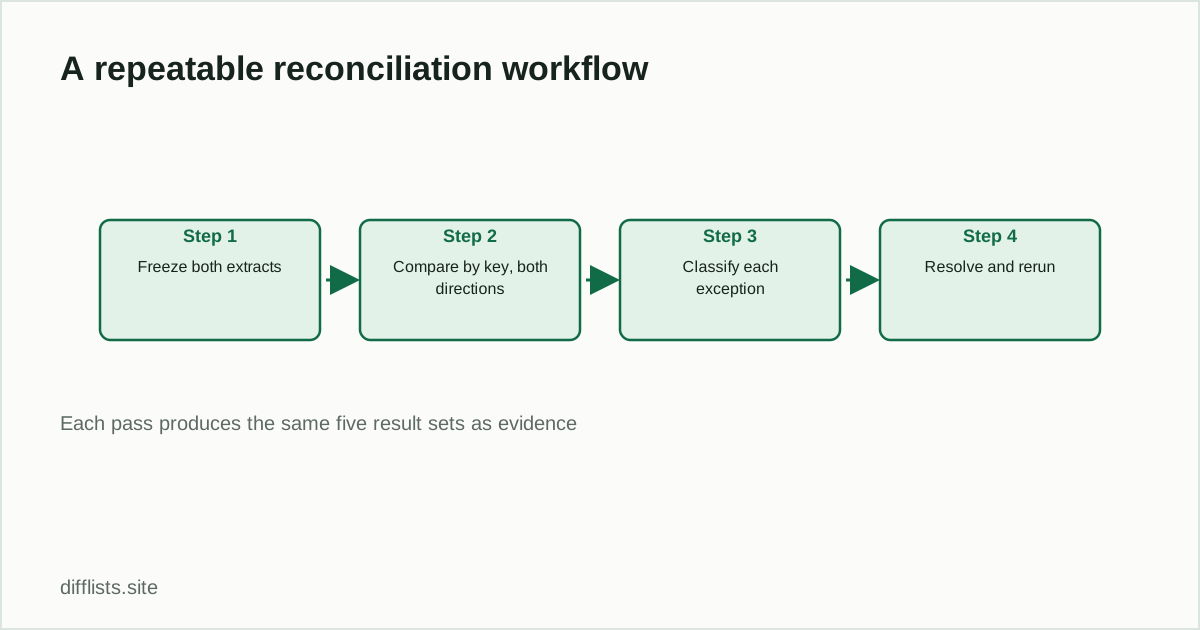
A repeatable reconciliation workflow
- Freeze or timestamp both extracts.
- Document the record key and any filters.
- Normalize whitespace, blanks, and case consistently.
- Compare in both directions.
- Classify each exception as expected, timing-related, formatting-related, or a defect.
- Resolve defects and rerun the same comparison.
- Save the final report as evidence of the completed control.
Coverage checks versus field-level checks
List comparison confirms that a key exists on both sides. It does not prove that every field for that record is identical. After coverage reaches the expected level, use a row-level comparison or database join to validate balances, statuses, dates, and other critical attributes.
Common reconciliation mistakes
- Comparing live exports taken at different times without allowing for in-flight changes.
- Using a non-unique name instead of a stable key.
- Silently removing leading zeros from identifiers.
- Reporting only a match percentage without retaining the exception records.
- Changing cleanup rules between the first run and the validation rerun.
The same workflow applies across systems
The five-result reconciliation pattern is identical whether you’re checking inventory records against a warehouse system, subscriber exports before a send, or a URL inventory during a site migration — only the identifier and the exception-handling rules change.
Build a clear record-coverage report from two exports.
Compare your listsFrequently asked questions
What is data reconciliation?
Data reconciliation verifies that records agree across two sources after a transfer, migration, sync, or reporting cycle.
What identifier should I use to reconcile two datasets?
Use a stable key — an internal ID, order reference, or SKU — rather than a name or description, which can change without meaning the record changed.
Does a high match rate mean reconciliation is complete?
No. The match rate is a summary; the exception lists (source-only and destination-only records) are the actionable evidence that still needs review.
What's the difference between a coverage check and a field-level check?
A list comparison confirms a key exists on both sides. A field-level check (row-level diff or database join) confirms every attribute for that record matches too.