Free tool
Find Hidden Characters in Your Text
Paste text below to scan for zero-width spaces, non-breaking spaces, and other invisible characters that can silently break matching, search, and formatting.
Your text
Paste text to scanHow the invisible character detector works
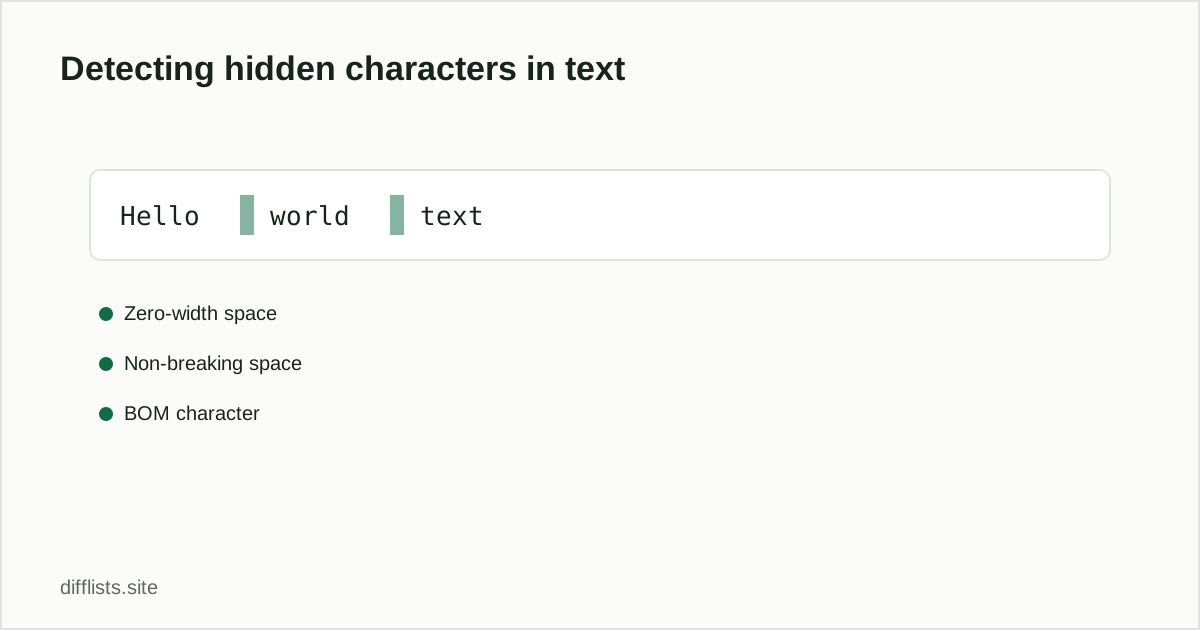
Paste text into the box above and click Scan for hidden characters. The tool checks every character against a list of common invisible Unicode characters — zero-width spaces and joiners, non-breaking spaces, left-to-right and right-to-left marks, soft hyphens, and byte-order marks — and reports the exact line and column of each one it finds.
If matches are found, a cleaned version of your text with every detected character removed is ready to copy or download.
Why this matters for list comparison
Two values that look completely identical on screen can fail to match in a comparison tool if one of them has a trailing zero-width space or a non-breaking space where a normal space should be — this is one of the more frustrating “why doesn’t this match” bugs in data cleaning. Scan and clean suspect data here before pasting it into the list comparison tool, or the duplicates remover.
Where hidden characters usually come from
- Copy-pasting from a web page, PDF, or rich-text editor.
- CSV or spreadsheet exports that embed a byte-order mark (BOM) at the start of the file.
- Emoji keyboards and some autocomplete tools that insert zero-width joiners between characters.
- Content pasted from CMS platforms that use non-breaking spaces for layout.
Which characters this tool checks for
| Character | Common cause |
|---|---|
| Zero-width space / joiner / non-joiner | Copy-pasted text, some autocomplete tools |
| Word joiner | Word processors preventing line breaks |
| Non-breaking space | Web pages, CMS layout spacing |
| Byte-order mark (BOM) | CSV/text files saved with UTF-8 BOM encoding |
| Left-to-right / right-to-left mark | Text mixing different writing directions |
| Soft hyphen | Justified text in word processors and PDFs |
| Ideographic space | Text copied from CJK-language sources |
Common uses
- Debugging a failed string match: two values that look identical but a comparison, search, or lookup keeps failing.
- Cleaning data before import: strip hidden characters from a CSV export before loading it into a database.
- Validating pasted content: check text copied from a PDF or web page before publishing it elsewhere.
- Auditing user-submitted text: catch unexpected invisible characters in form submissions or usernames.
The scan reports the exact line and column of every match, so you can find and fix the source of the problem rather than guessing which value in a long list is the culprit. If you regularly import data from the same source and keep running into hidden characters, it’s worth checking whether that source’s export settings can be changed to stop inserting them in the first place — a recurring BOM at the start of every CSV export, for example, usually comes from a specific save or export option rather than being unavoidable.
A note on what this tool doesn’t check
This detector focuses specifically on invisible Unicode formatting characters — it doesn’t flag visible but unusual characters like curly quotes, em dashes, or accented letters, since those are visible and rarely the cause of a “why doesn’t this match” problem. If your comparison issue turns out to be visible character differences instead (a curly apostrophe vs. a straight one, for example), that’s a normalization question best handled in the list comparison tool’s case and whitespace settings rather than something this scanner would catch.
Everything happens locally in your browser tab, so pasting sensitive or unpublished text into this scanner doesn’t send it anywhere — the scan and the cleanup both run entirely on your device, the same privacy model as every other tool on this site. Nothing you paste here is logged, stored, or transmitted anywhere, so it’s safe to scan drafts and unpublished material.
What are invisible characters?
Characters like zero-width spaces, non-breaking spaces, and byte-order marks that render as nothing visible but still count as characters, which can silently break text matching.
Why would text have hidden characters?
Common causes: copy-pasting from a web page or PDF, exports from certain CMS or word processors, and some autocomplete or emoji-keyboard tools that insert zero-width joiners.
How do I remove invisible characters from text?
Scan your text with this tool, then copy or download the cleaned version with every detected invisible character stripped out.
Can hidden characters cause list comparison mismatches?
Yes — two items that look identical can fail to match if one has a trailing zero-width space. Clean the text here before comparing.
Does this tool check for emoji or non-Latin characters too?
No, it specifically targets invisible/zero-width formatting characters, not visible emoji or non-Latin scripts, which display normally and don't break text matching the same way.
Will removing invisible characters change how my text looks?
No visible change — these characters render as nothing, so stripping them doesn't alter the text's appearance, only its underlying byte content.